How to Track Remaining Filament on a Refill Without RFID
Updated September 26, 2026
An RFID/NFC-tagged spool from its original manufacturer can report remaining filament automatically (see RFID and NFC tags explained). A third-party refill on a reusable spool usually can't - here's how to track it yourself.
Weigh it (most accurate)
- Weigh the empty reusable spool by itself once, and write that number down somewhere permanent (a label on the spool works well).
- Before each print, weigh the spool with filament on it and subtract the empty spool weight to get remaining filament weight.
- Compare against the refill's original net weight (usually printed on its packaging) to estimate percentage remaining.
This is the same method slicers use internally when a printer has a load cell or filament sensor with weight tracking - you're just doing it manually.
Measure remaining diameter (rough estimate)
A full spool's wound filament sits close to the outer flange diameter; as filament is used, that diameter shrinks toward the core diameter. This method is much less precise than weighing - wind tightness and layer count vary - but it's a fast way to eyeball "roughly full," "roughly half," or "running low" without a scale.
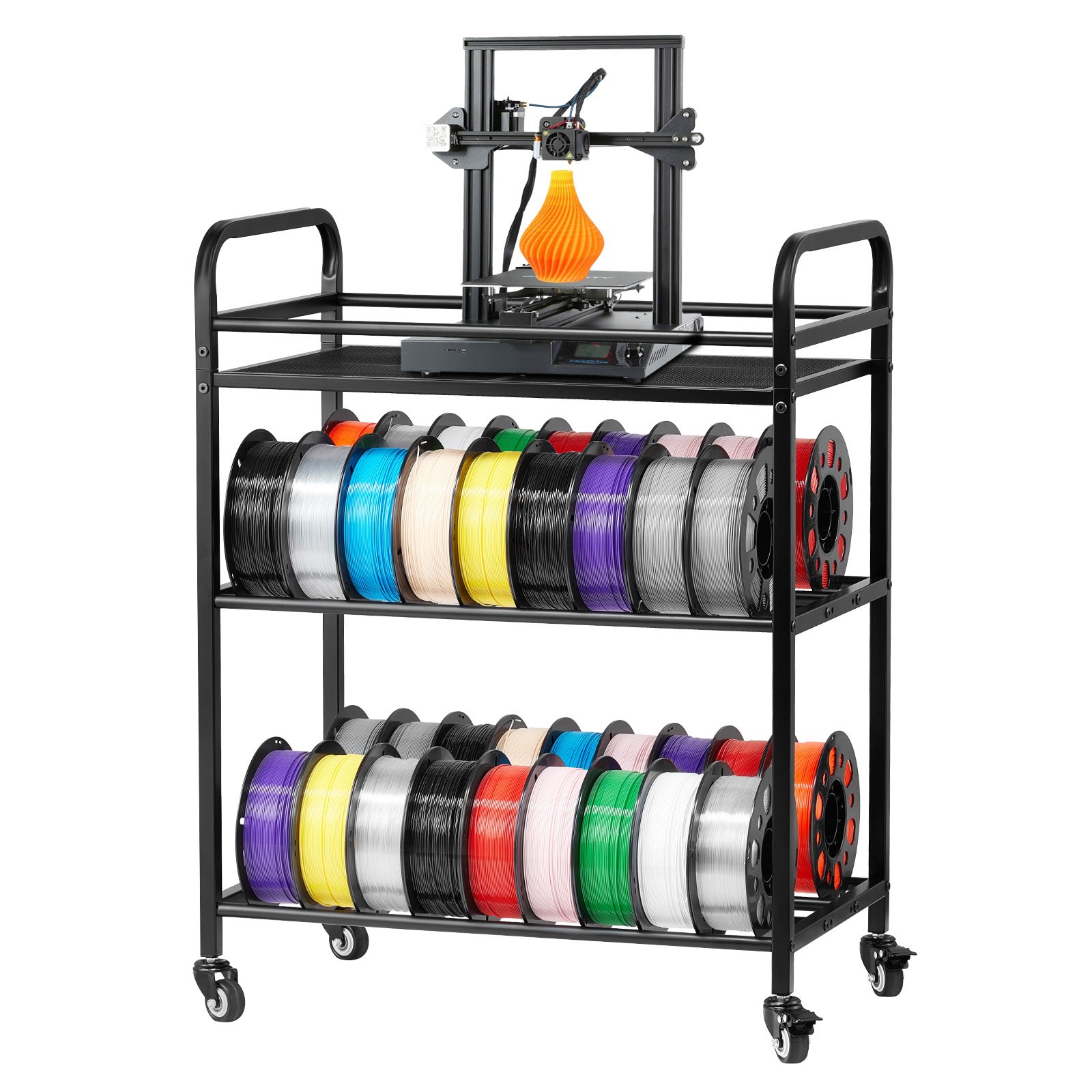
Track it manually per color/material
If you run several open refills at once, a simple written or spreadsheet log (spool label, refill weight, date started) avoids the classic problem of several partial spools all looking similarly full at a glance. Some slicers also let you manually enter a "remaining" estimate per spool profile that persists between prints, even without automatic detection.
Why this matters for refills specifically
A refill without a recognized tag is functionally the same physical fit as a tagged one - see RFID and NFC tags explained for why a working fit and working auto-recognition are two separate questions. Losing auto-tracking is one of the real trade-offs of buying refills over tagged retail spools, alongside the storage difference covered in how to store filament refills.